










 Français
  English
  Italiano
  Nederlands
  Deutsch
  Español
  Português
  Polski

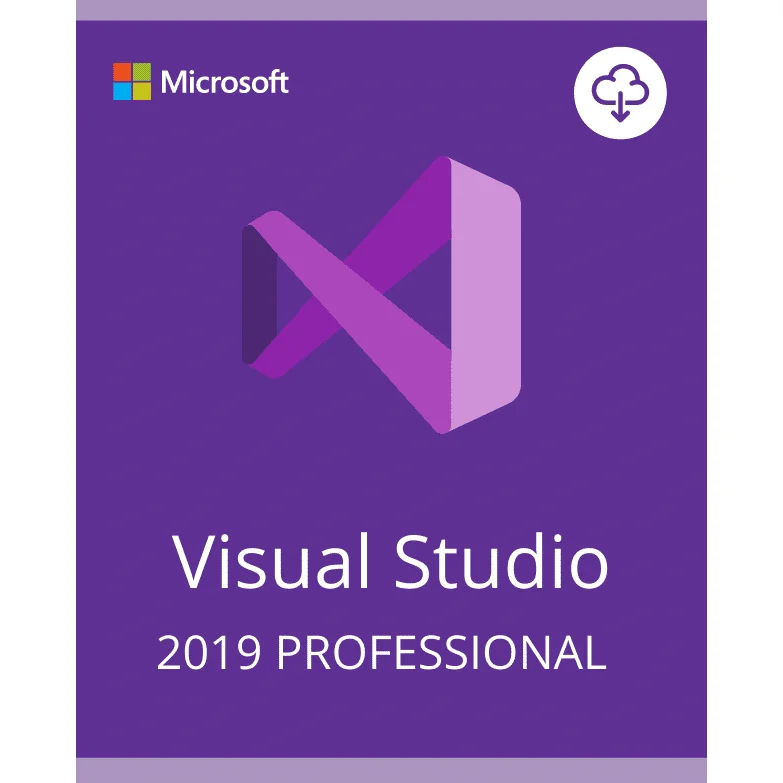
VISUAL STUDIO 2019 PROFESSIONAL ACTIVATION KEY - (PC) - Licence à vie
VISUAL STUDIO 2019 PROFESSIONAL is a powerful integrated development environment (IDE) designed for professional developers and software teams. It provides advanced tools for coding, debugging, testing, and building modern applications across multiple platforms.
Licence à vie
✔ Professional Development Tools
$11.46
-
L'euro (€) - EUR
-
Dollar des États-Unis ($) - USD
-
Złoty polonais (zł) - PLN
-
Dollar canadien ($) - CAD
-
Livre sterling (£) - GBP
-
 Livraison rapide

TÉLÉCHARGEMENT NUMÉRIQUE
-
Activation facile

PAS DE COMPLEXITÉ
-
Achetez sans risque !

-
Livraison rapide

Modes de paiement :

Description
Caractéristiques principales
- AI-assisted coding with IntelliCode
- Real-time collaboration using Live Share
- Advanced debugging and testing tools
- Support for multiple programming languages
- Development for desktop, mobile, and web applications
Vue d'ensemble
VISUAL STUDIO 2019 PROFESSIONAL is one of the most powerful integrated development environments (IDE) designed for developers and software teams. It provides a complete set of professional tools that simplify coding, debugging, testing, and application deployment.
With its modern interface and powerful development capabilities, VISUAL STUDIO 2019 PROFESSIONAL helps developers write high-quality code faster while improving productivity and workflow efficiency.
The IDE supports multiple programming languages including C, C++, and C#, making it suitable for a wide range of software development projects. Developers can build desktop applications, mobile apps, and web applications from a single powerful development environment.
The integrated IntelliCode technology uses artificial intelligence to analyze coding patterns and suggest improvements that help developers write cleaner and more efficient code.
In addition, the Live Share feature enables real-time collaboration between developers, allowing teams to share their coding sessions, debug applications together, and work more efficiently on complex projects.
Whether you are an independent developer, freelancer, or part of a professional development team, VISUAL STUDIO 2019 PROFESSIONAL provides the flexibility, performance, and professional tools needed for modern software development.
Ce que vous recevrez
✔ VISUAL STUDIO 2019 PROFESSIONAL Activation Key
✔ Lien officiel de téléchargement Microsoft
Licence à vie
✔ Instructions d'activation
After completing your purchase, the activation key will be delivered digitally so you can download and activate the software quickly and easily.
Pourquoi acheter chez nous ?
✔ Livraison numérique rapide - Recevez votre clé d'activation rapidement après l'achat.
✔ Licence à vie - Achat unique sans date d'expiration.
✔ Paiement sécurisé - Processus de paiement sûr et protégé.
✔ Soutien professionnel - Notre équipe d'assistance est à votre disposition si vous avez besoin d'aide.
✔ Logiciel de confiance – Activate the official version of the software.
Configuration requise
Système d'exploitation : Windows 10 / Windows 11
Processor: 1.8 GHz or faster processor
MÉMOIRE VIVE (RAM) : Minimum 4 Go (8 Go recommandés)
Storage: Minimum 20 GB available disk space
Une connexion Internet est nécessaire pour l'activation.
Informations sur le produit
Nom du produit : VISUAL STUDIO 2019 PROFESSIONAL
Type de licence : Licence à vie
Méthode d'activation : Clé d'activation
Plate-forme : Windows PC
Livraison : Livraison numérique
Langue : Multilingue
Livraison
After purchase, your activation key will be delivered digitally along with instructions for installation and activation.
Aucun produit physique ne sera expédié.
Instructions d'activation
- Download the official software from Microsoft.
- Install the program on your computer.
- Saisir la clé d'activation fournie après l'achat.
- Commencer à utiliser VISUAL STUDIO 2019 PROFESSIONAL.
Questions fréquemment posées
How will I receive my license key?
Votre clé d'activation vous sera délivrée numériquement après l'achat.
S'agit-il d'une licence à vie ?
Oui, la licence n'expire pas.
Puis-je réinstaller le logiciel ultérieurement ?
Yes, you can reinstall the software if necessary.

Avis
Effacer les filtresIl n’y a pas encore d’avis.